🚀 Practical Digital Tools
⚡ Clear Workflow Systems
Digital Tools, Guides & Workflow Resources

Practical Tools for Work, Business, and Digital Growth

Pulse Bureau offers free business tools, productivity resources, workflow guides, templates, and practical insights for people building, managing, and improving digital work.

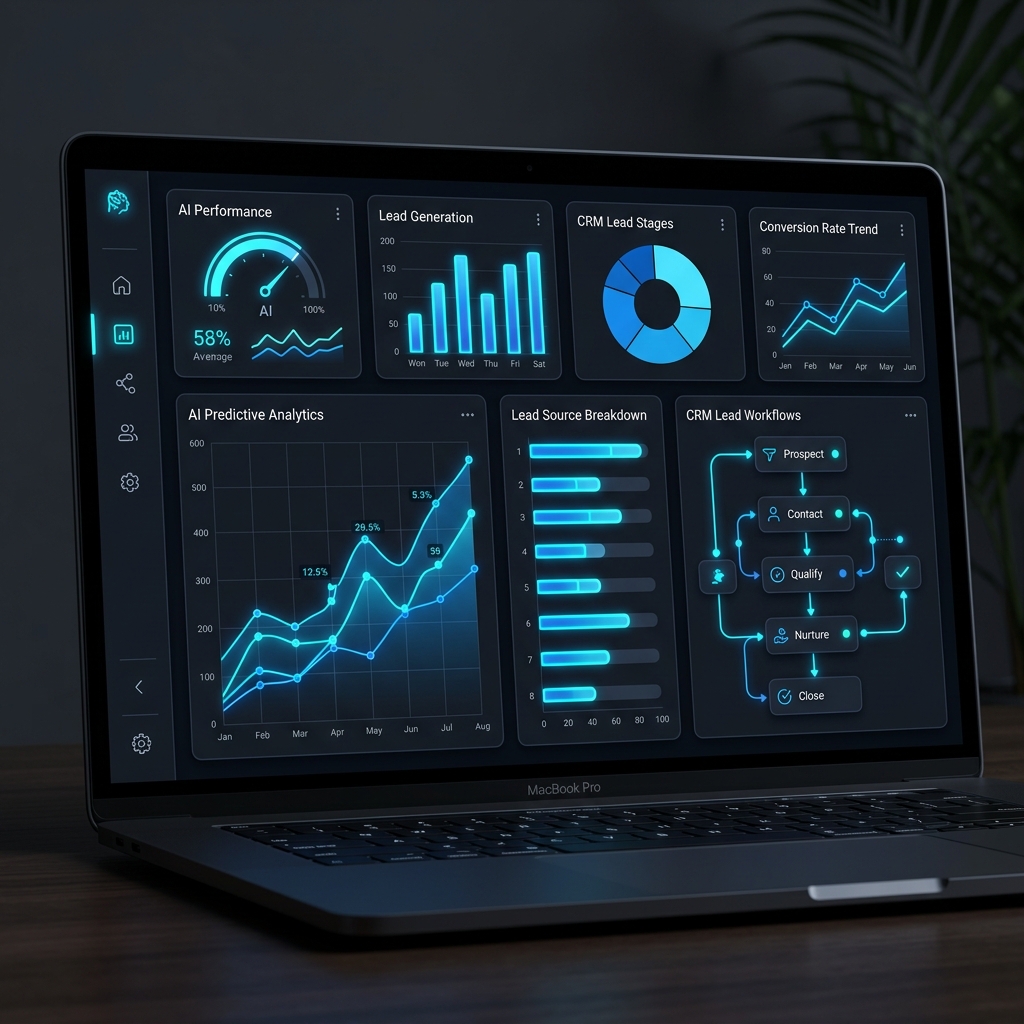
Pulse Bureau AI Analytics Dashboard
A Practical Digital Workspace

Tools, Guides, and Workflows in One Place

🔎
1. Find a Tool
Use calculators, generators, converters, and creator utilities for everyday digital tasks.
->
📄
2. Use a Guide
Follow practical explainers for content, SEO, automation, productivity, and business systems.
->
🔄
3. Build a Workflow
Turn repeat tasks into simple systems for planning, publishing, organizing, and reviewing work.
->
4. Keep Improving
Use templates and resources to clean up pages, files, content plans, and digital operations.
Content Planning
SEO Basics
AI Tools
Automation
Digital Workflows
Business Templates
Workflow Resources

Resources for Founders, Teams, and Creators

Stop drowning in manual data entry. Discover practical tools, business templates, and clear workflow systems designed to make digital work easier and more organized.

Business Organization

End-to-end setups to keep your projects clean, your team focused, and your data perfectly organized across your digital stack.

🤖

Productivity Tools

Smart tools and automations that help you get more done in less time with practical, context-aware systems.

🔄

Workflow Optimization

Custom integrations and operational automations that eliminate human error and drastically reduce administrative overhead across your daily work.

Practical Resource Library

Useful Resources, Templates, and Guides

Pulse Bureau LLC builds practical digital resources that help people organize work, improve workflows, structure information, and move faster with clearer systems.

  • Clear Organization: We build systems that keep your work perfectly synced.
  • Reduced Manual Work: Streamlined tools that save you time every week.
  • Better Reporting: Automated tracking and practical business insights.
Explore Resources

0+

Digital Tools

0+

Guides & Resources

0

Resource Categories

Weekly

Updates

Helpful Context

Common Questions

A few quick answers about what Pulse Bureau offers and how the tools, resources, and services fit together.

What does Pulse Bureau do?

Pulse Bureau creates practical digital tools, resources, and workflow systems for people and teams working across documents, data, productivity, content, and business operations.

Who is Pulse Bureau built for?

It is built for founders, operators, freelancers, creators, small teams, business users, and anyone looking for clearer systems, useful templates, lightweight tools, and practical guidance for everyday digital work.

Are the tools free to use?

Yes, the public tools are designed to be accessible from the website. Some tools process files locally in the browser where possible, and the goal is to make common digital tasks easier without unnecessary complexity.

How are the resources different from the services?

Resources and tools are public materials visitors can use directly. Services are for teams that need help organizing workflows, improving systems, or building more structured digital operations.

How can someone contact Pulse Bureau?

Visitors can use the Contact page for questions, business inquiries, feedback about tools, or service-related conversations.
Practical Resources

Guides, Templates & Checklists for Digital Work

Explore useful tools, guides, templates, and checklists for content planning, SEO, automation, digital workflows, and everyday business systems.

Content & Media

Content Calendar Template

Plan weekly ideas, channels, publish dates, creative notes, and repurposing in one simple workflow.

Open Resource ->
Automation Tools

Simple AI Tools Starter Guide

Compare useful AI tools, decide where they fit, and keep your setup helpful instead of noisy.

Open Resource ->
Business Systems

Small Team Operations Planning Guide

Map recurring work, owners, tools, and handoffs so small teams can stay organized as work grows.

Open Resource ->